Learn by changing
Scenes you can poke.
Eight live examples, each a small Foldkit application. Change the state and watch the scene follow, then read the source beside it.
01 / Reconciliation
Watch every update
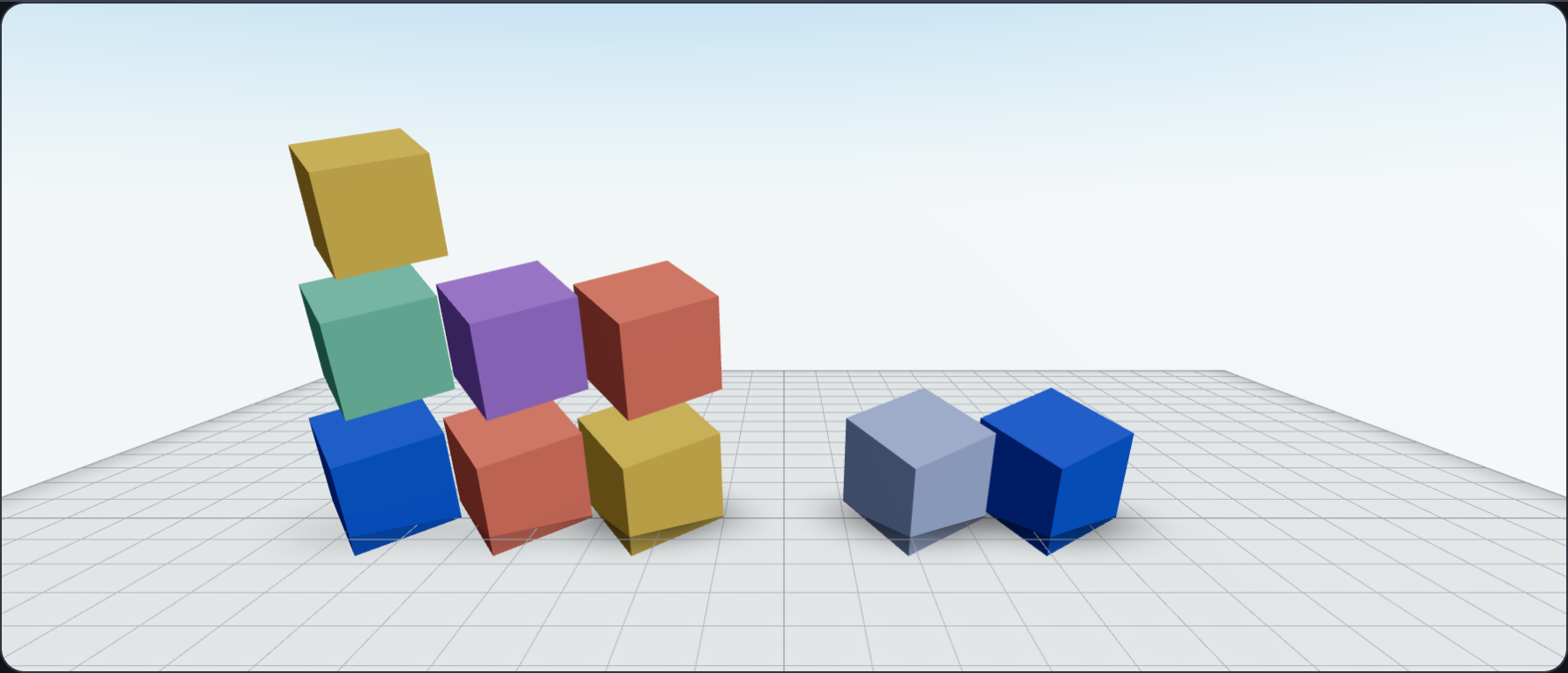
Add, move, reorder, repaint and remove keyed cubes, and watch them glide into place on a fading grid. A live panel shows exactly which operations each update takes and which GPU resources stay alive.
Try the live example →@opsydyn/effect-three-samples/playgroundExplore the source 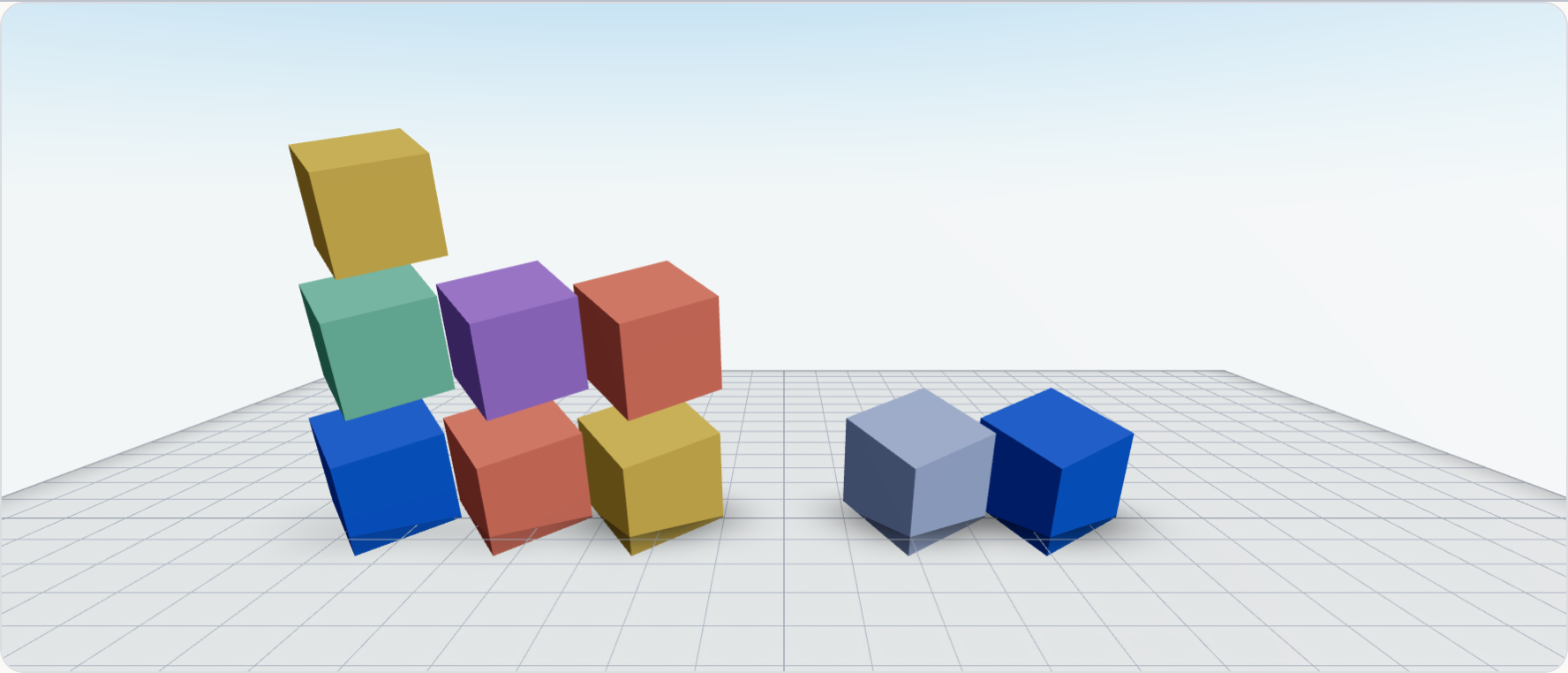
02 / State
Build, then rewind
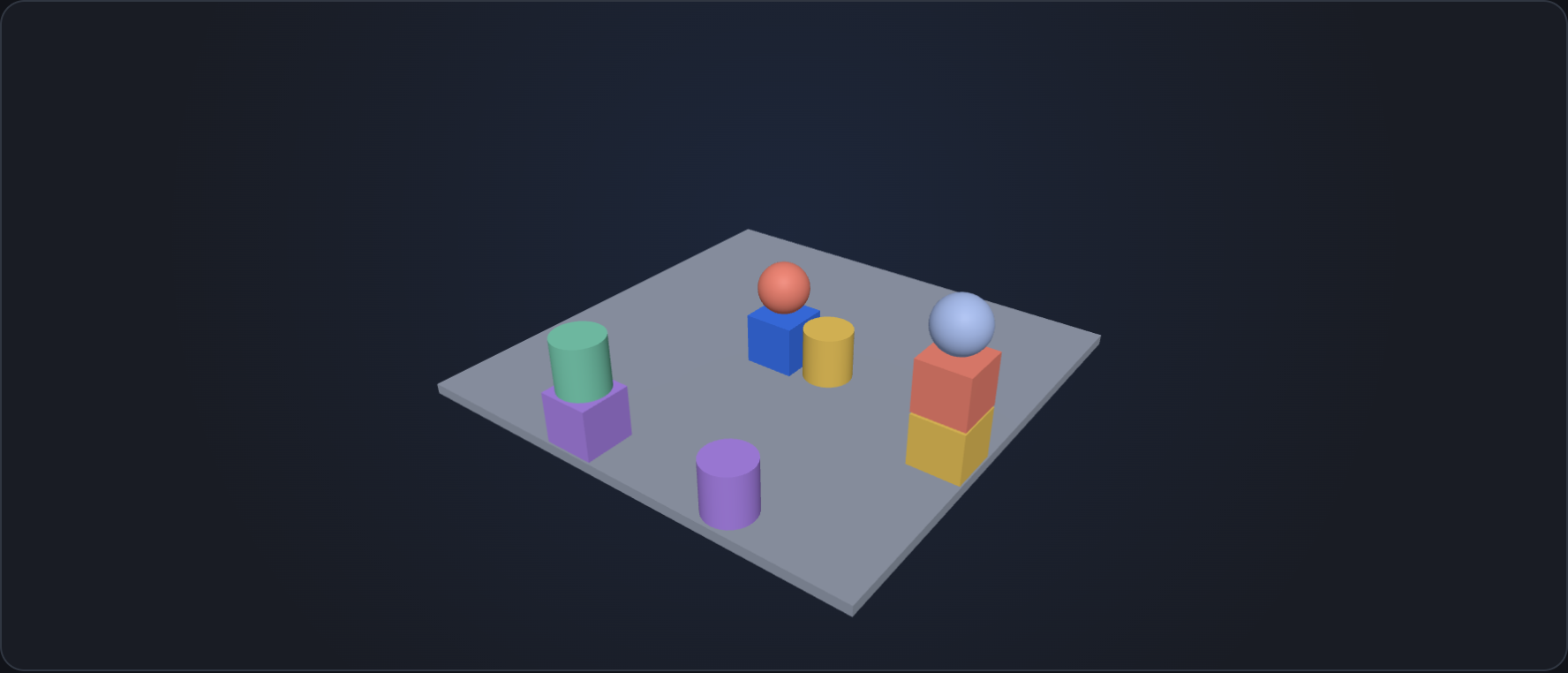
Stack blocks, balls and drums by clicking in 3D. Drag the history slider and the sculpture replays exactly, because the scene is a pure function of the Model.
Try the live example →@opsydyn/effect-three-samples/sculptureExplore the source 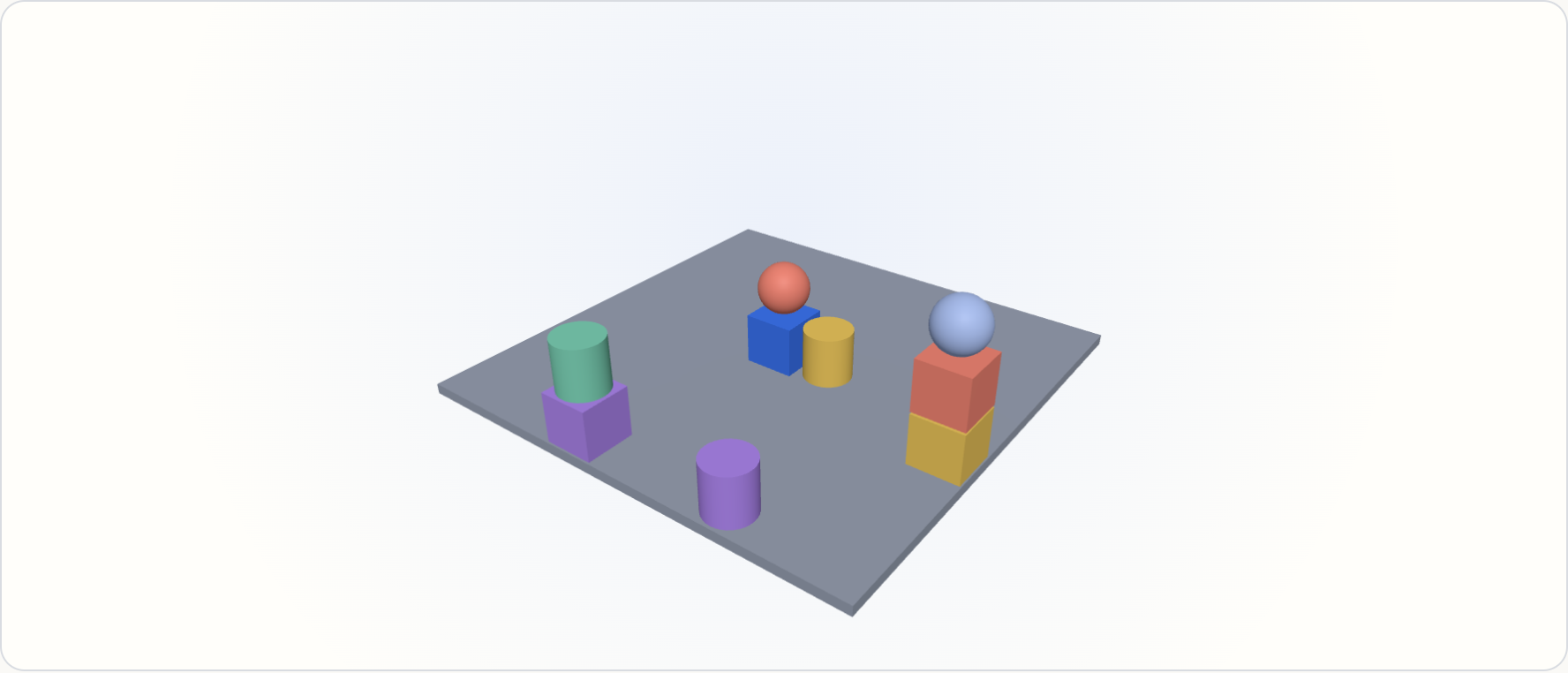
03 / Data
Chart in three dimensions
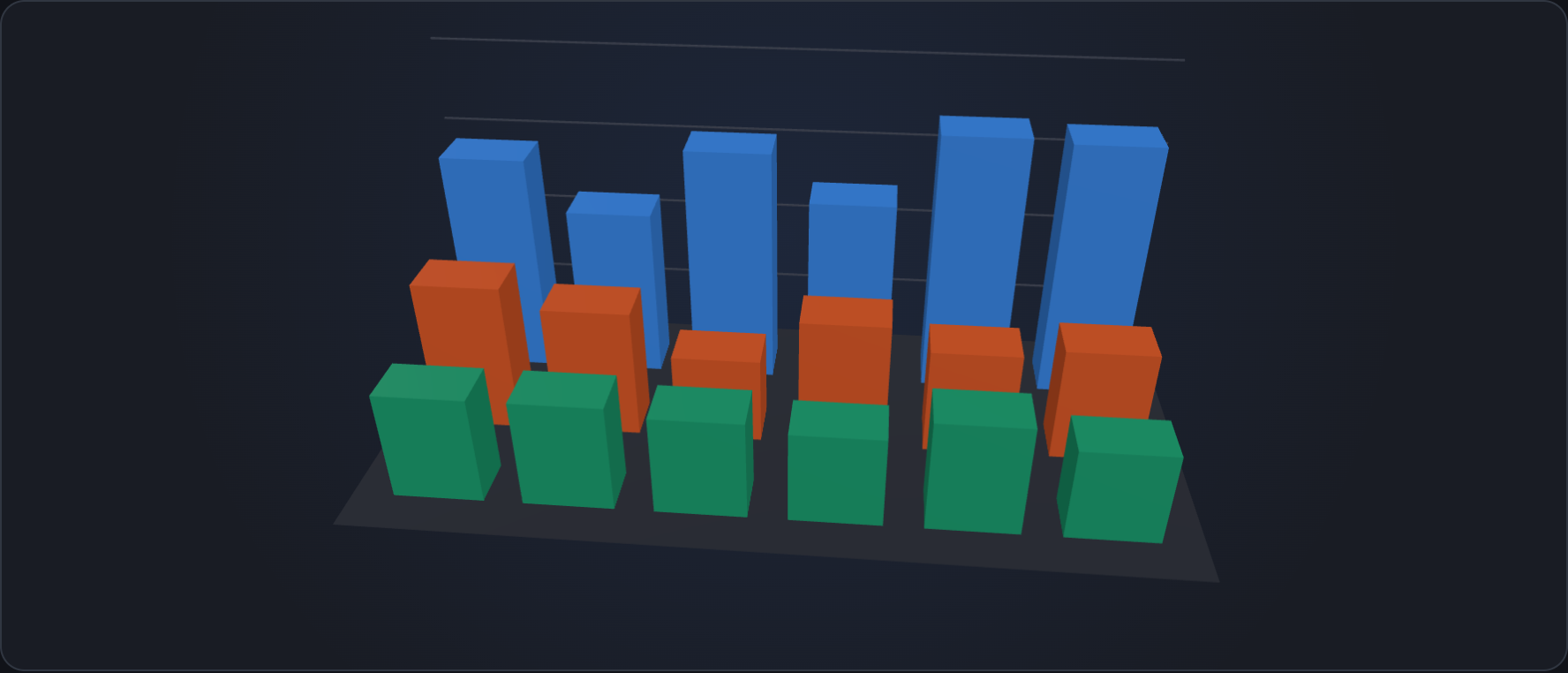
Foldkit Viz scales place every bar and effect-three eases them as the data changes. Hover to read, click to pin, double-click to isolate a series.
Try the live example →@opsydyn/effect-three-samples/barsExplore the source 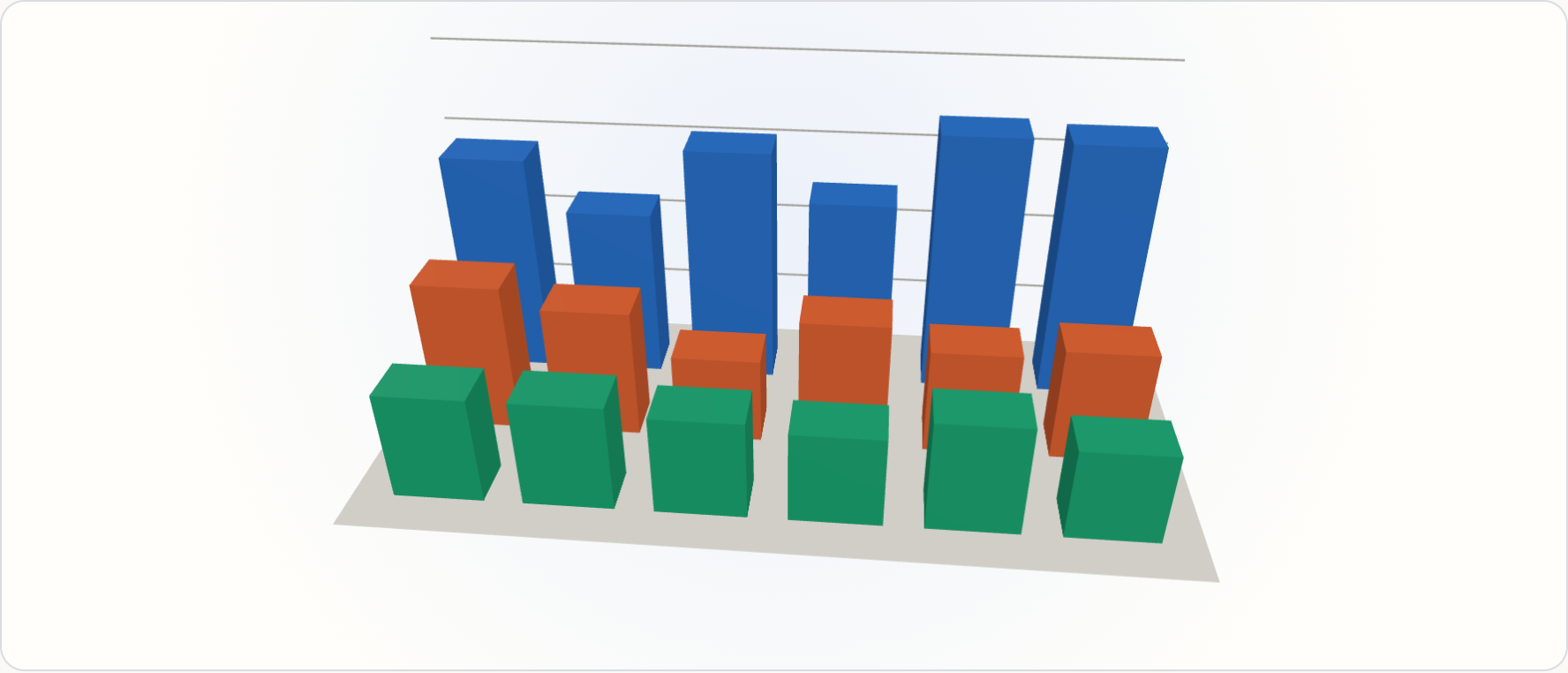
04 / Light and material
Drag it into the light
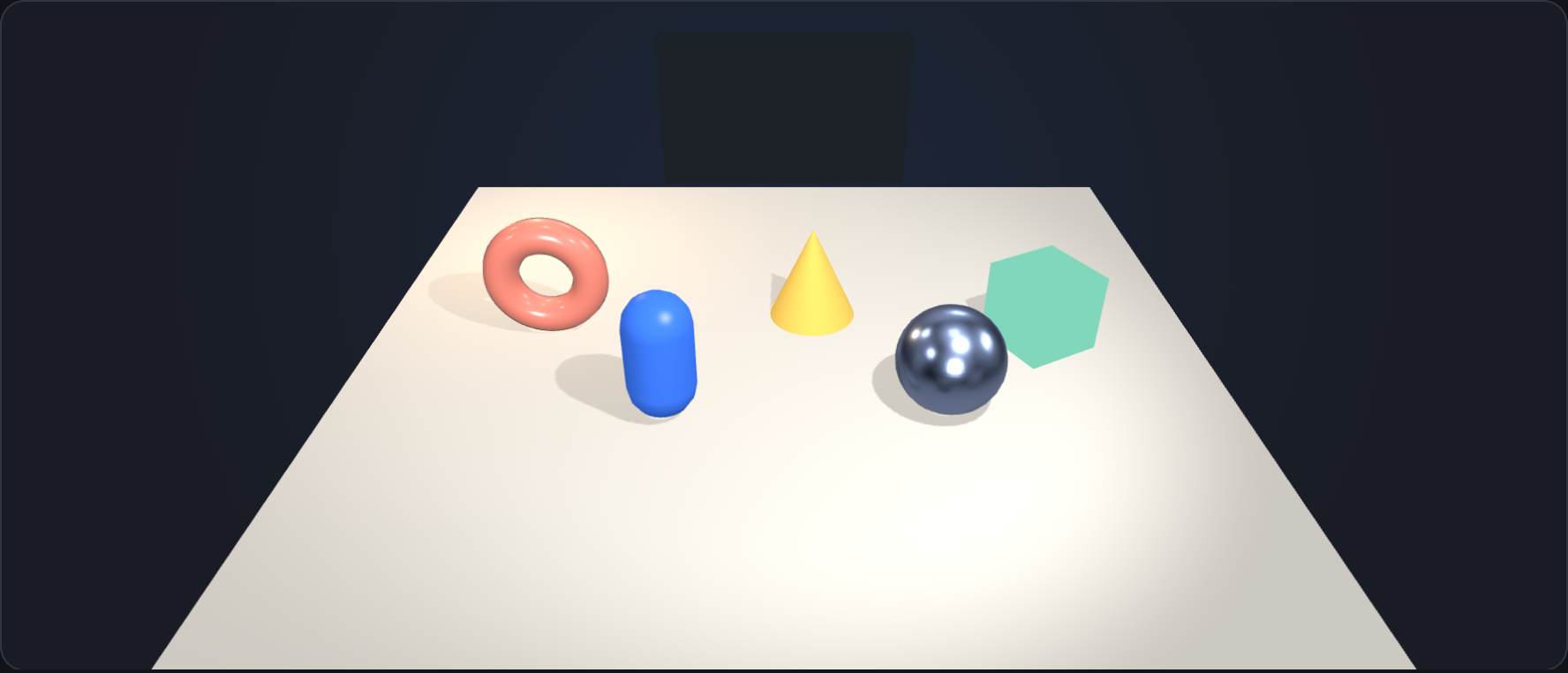
Five geometries in five material kinds, under a sky light, a point light and a spot that casts soft shadows. Drag pieces across the floor, orbit and frame them, and change their finish.
Try the live example →@opsydyn/effect-three-samples/studioExplore the source 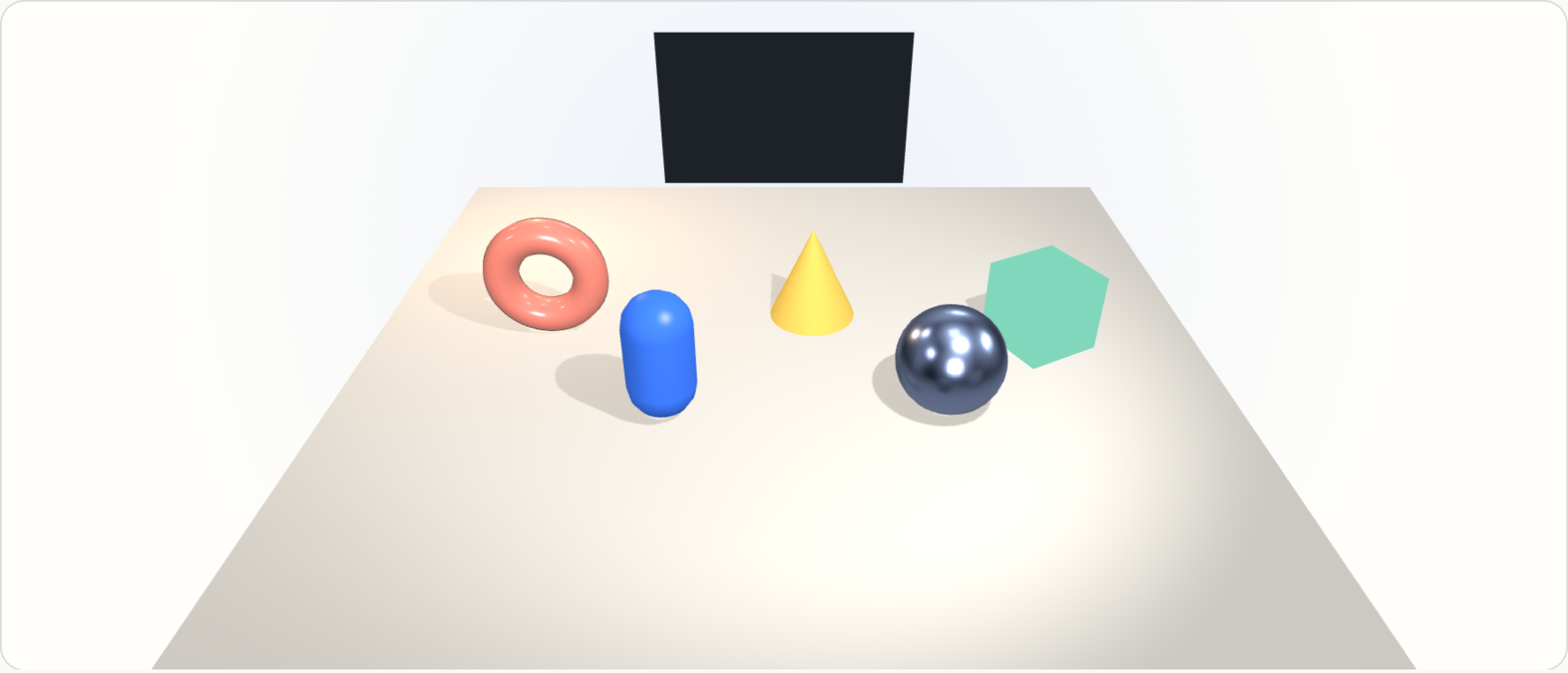
05 / Performance
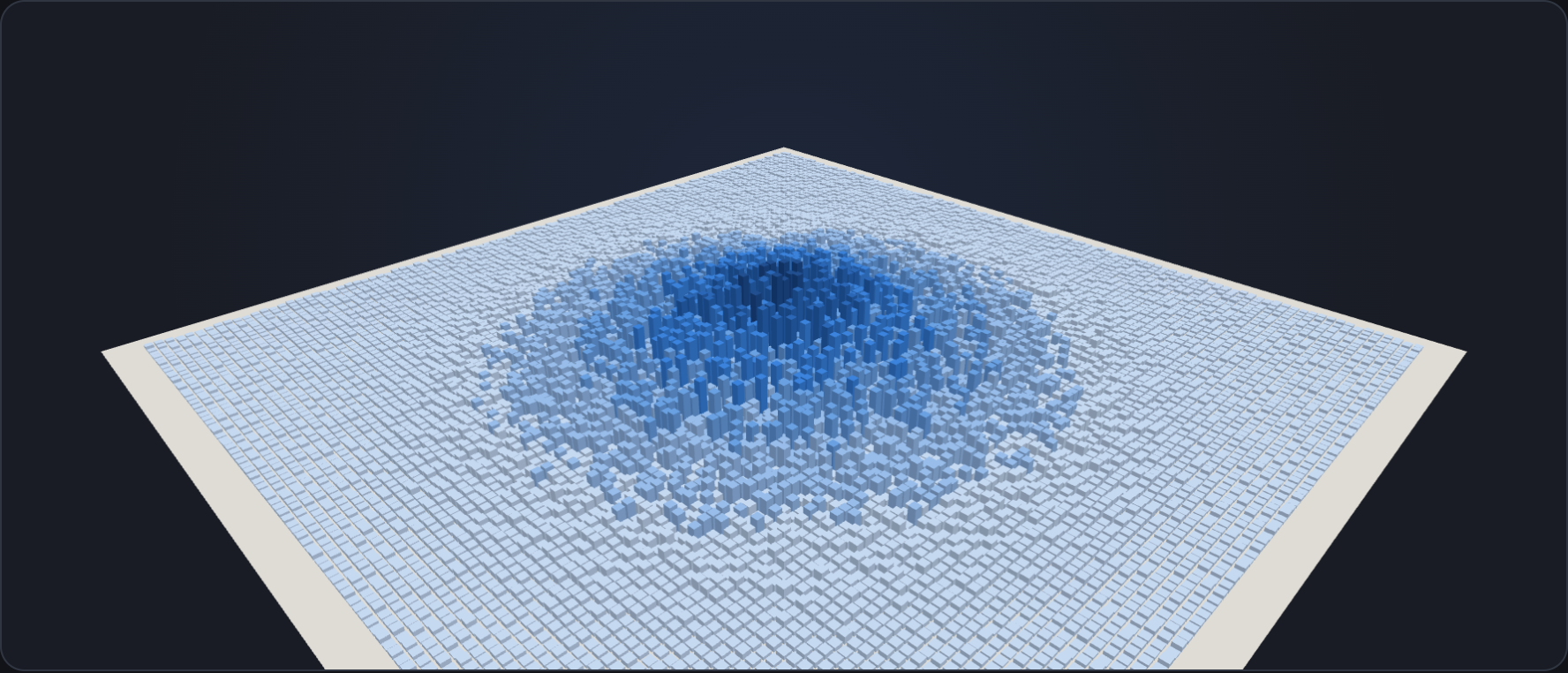
A city in one draw call
Ten thousand buildings in one instanced mesh. Hover and clicks rewrite single instances, frames render only on change, and resolution follows measured performance.
Try the live example →@opsydyn/effect-three-samples/cityExplore the source 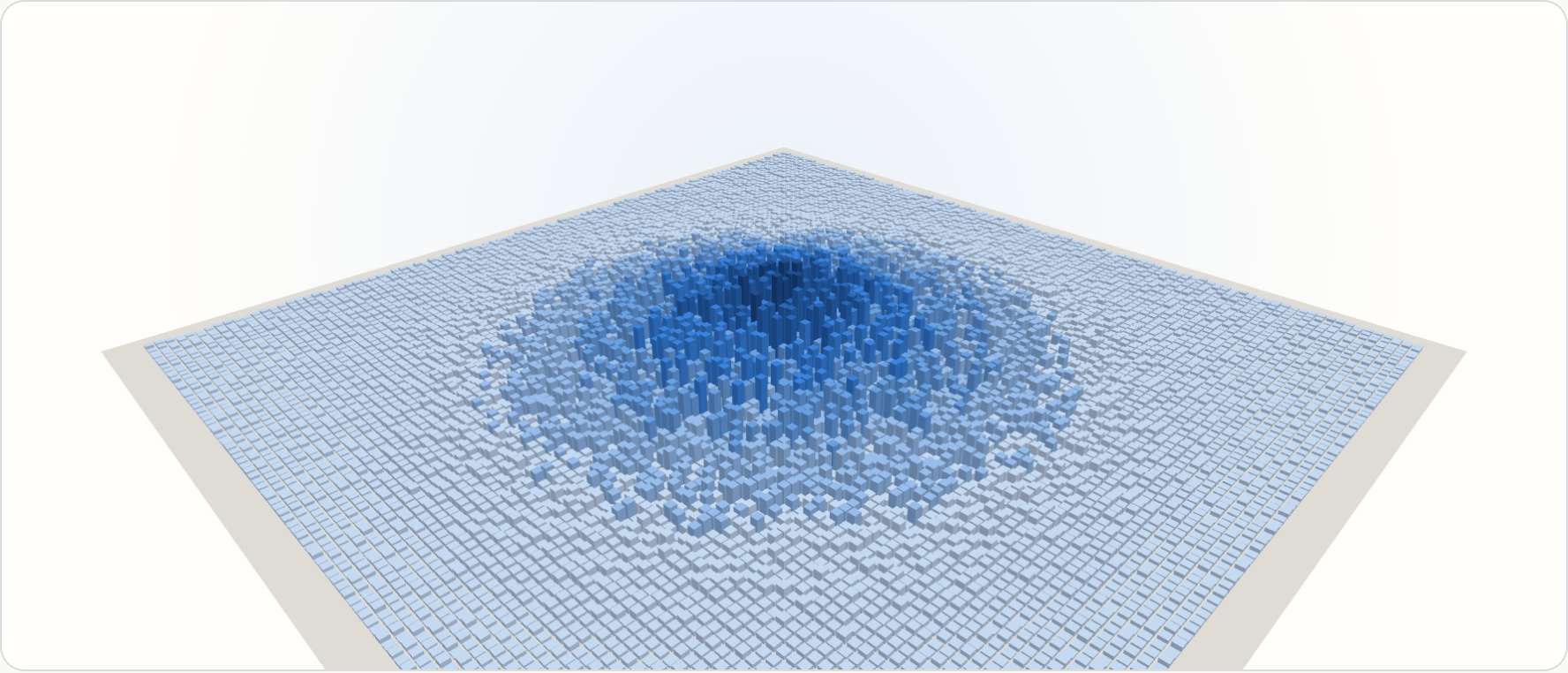
06 / Physics
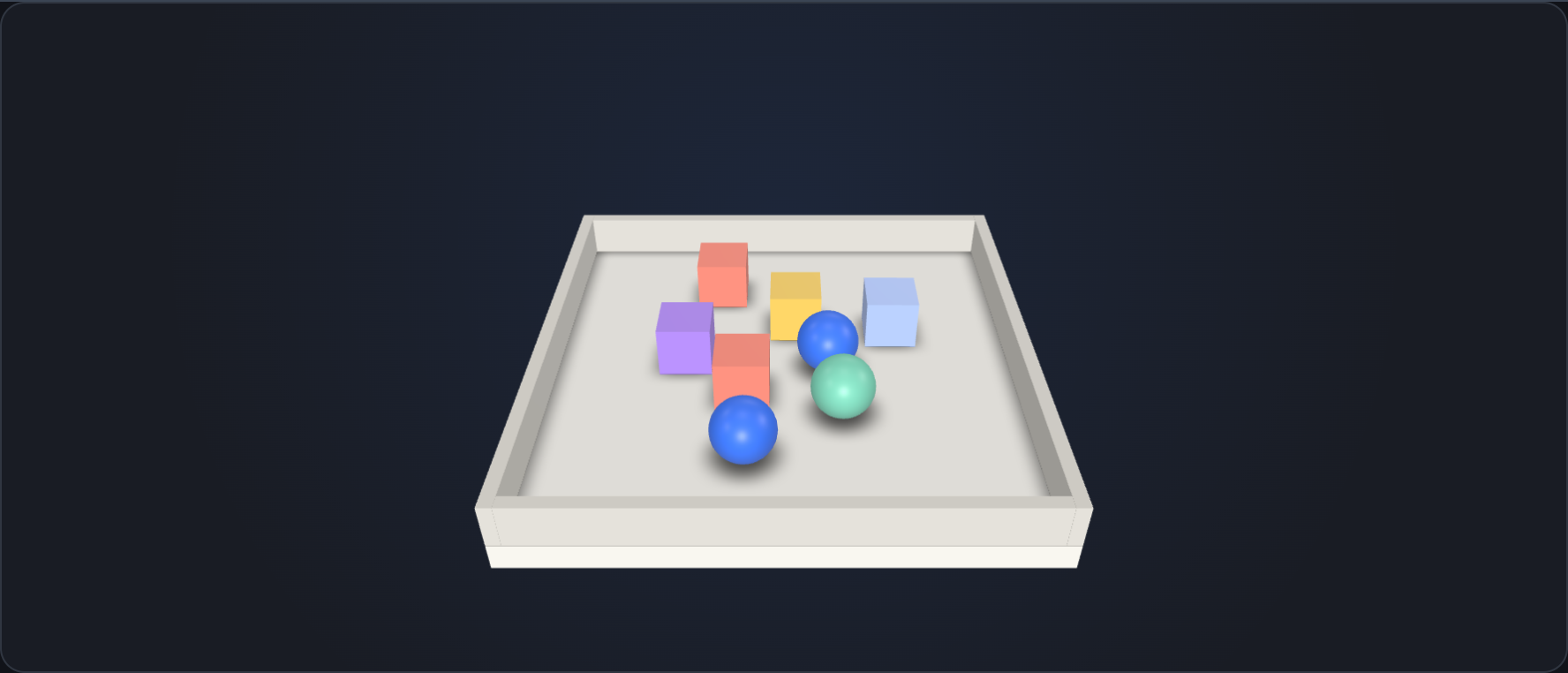
Throw the toys around
Crates and balls tumble into a tray under Rapier, a chain swings on joints, and marbles pour in with a body each. Click to kick; in VR, glide and turn with the thumbsticks. Bodies are data; the simulation owns where they are.
Try the live example →@opsydyn/effect-three-samples/toyboxExplore the source 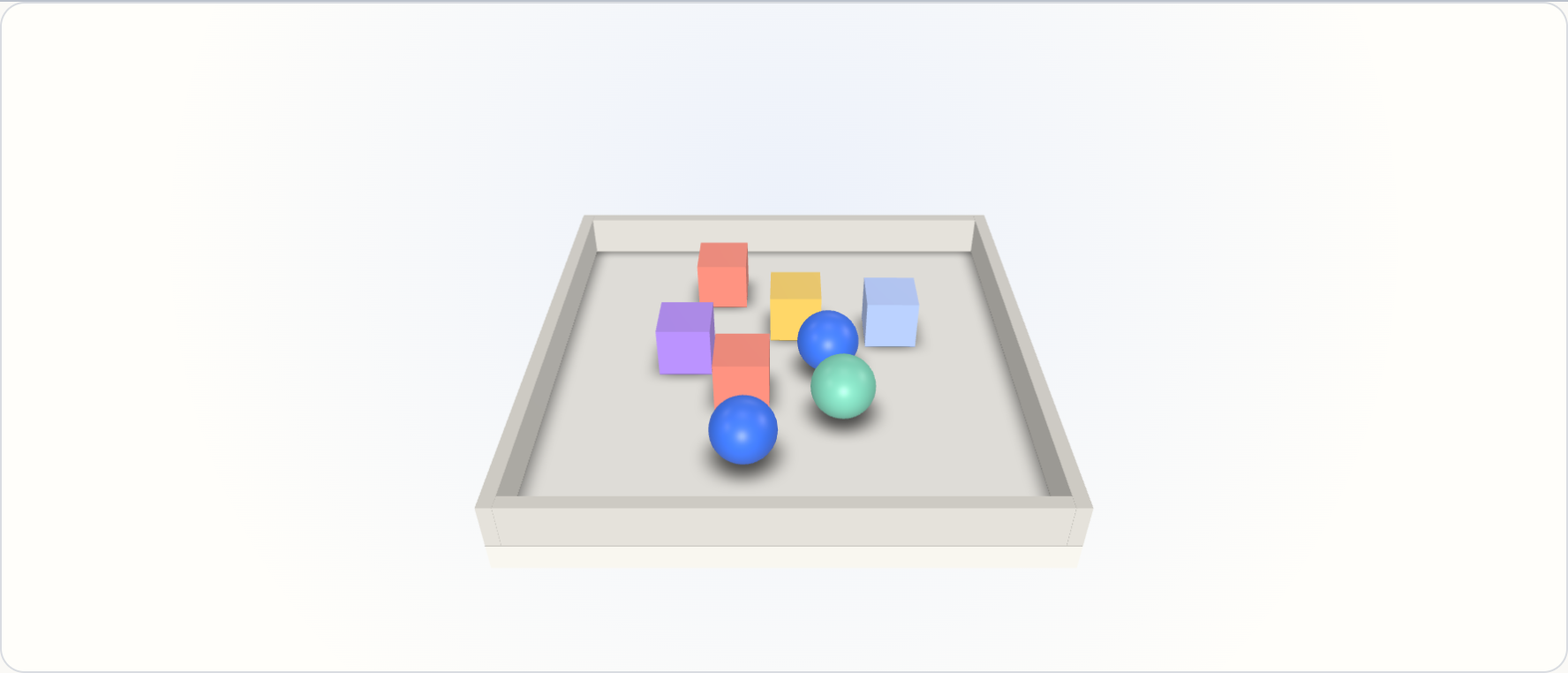
07 / Physics
Sort them by colour
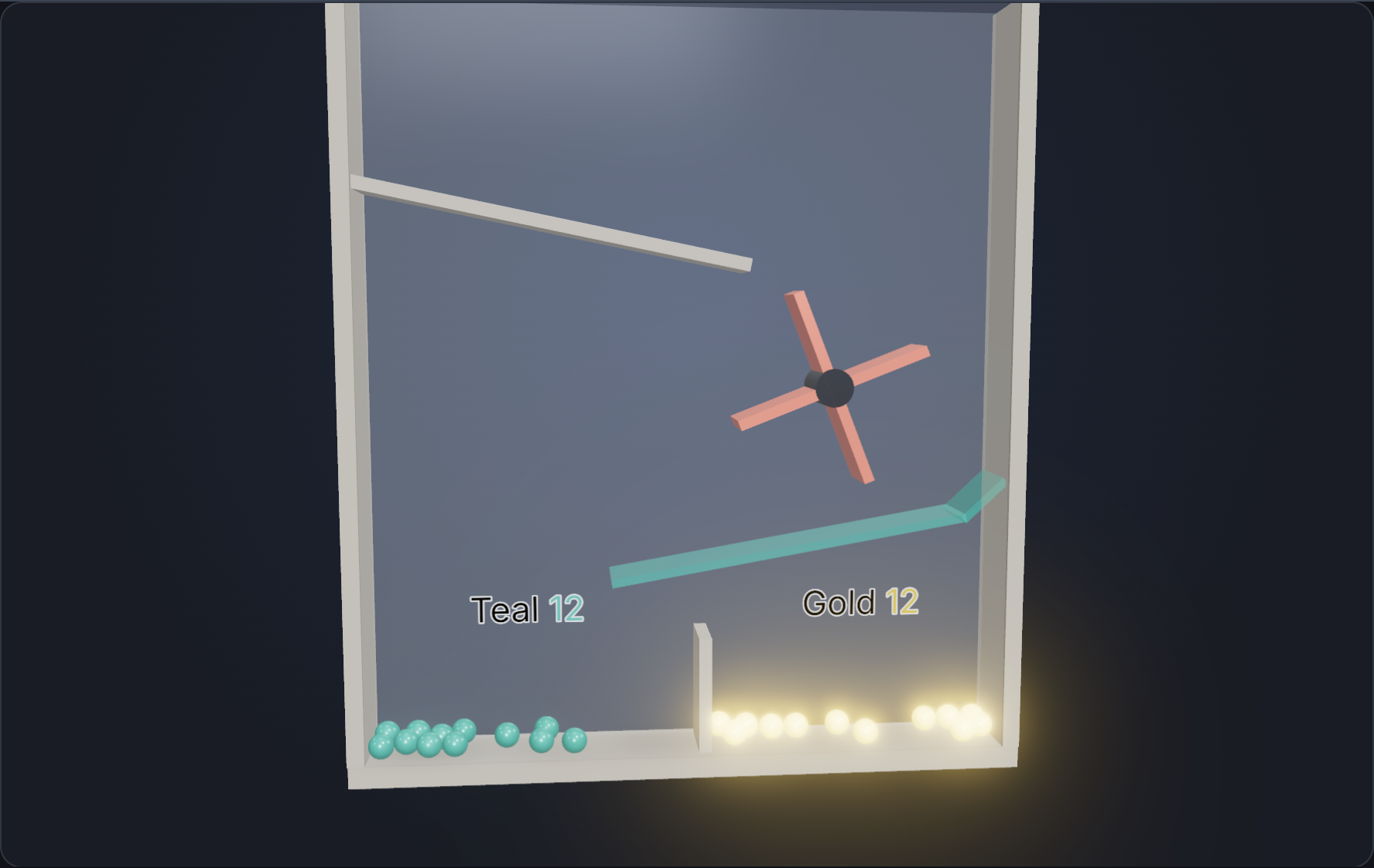
Gold and teal marbles ride a motor-driven wheel onto a grate only teal marbles can touch. Collision groups sort them, named sensors count each bin, and contact forces measure every knock.
Try the live example →@opsydyn/effect-three-samples/marblesExplore the source 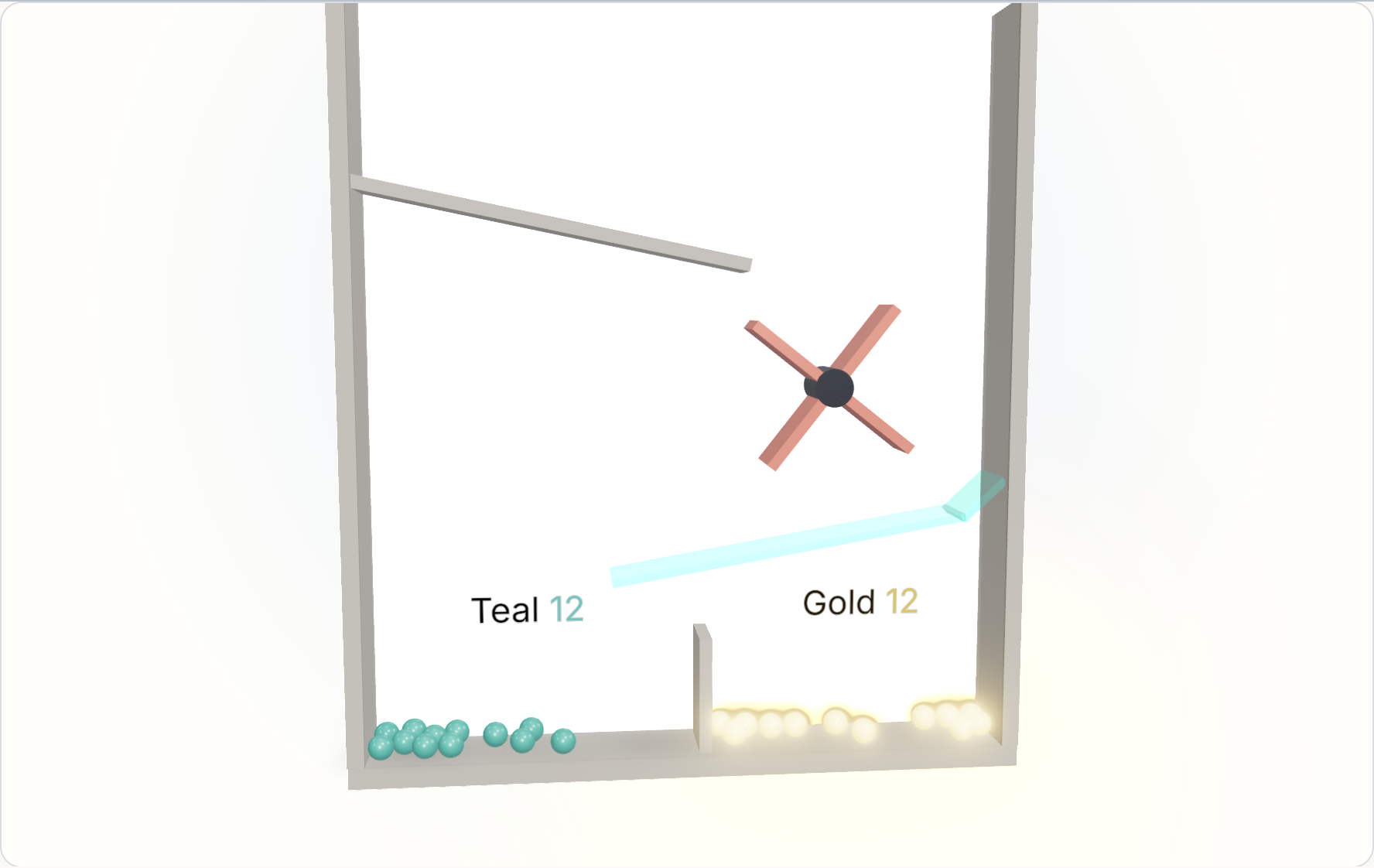
08 / Labels
Every word is data
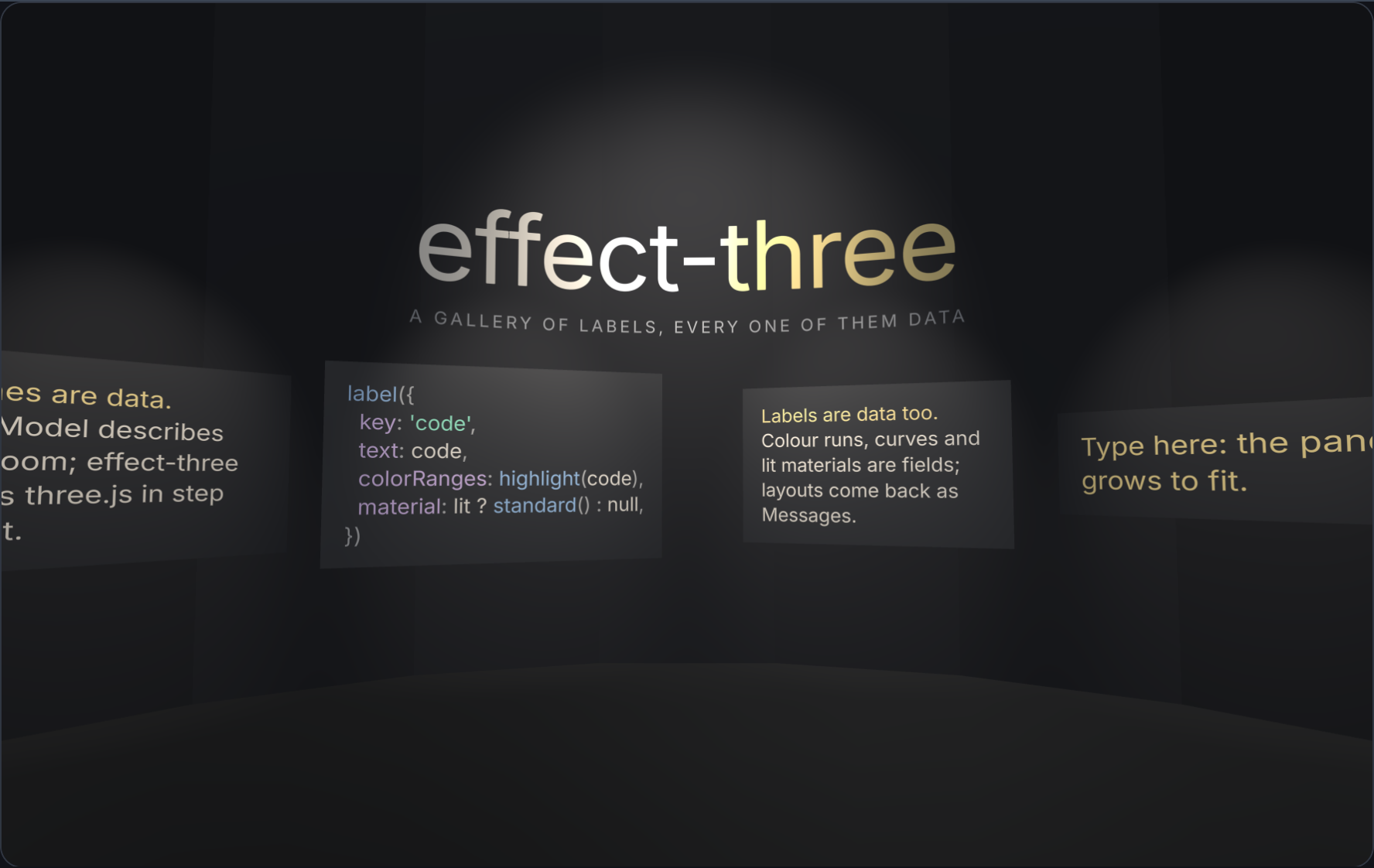
A curved title, a code plaque coloured by colour ranges, and spotlit type with a lit material. Panels are sized from each label’s measured layout: write on the wall and watch yours grow.
Try the live example →@opsydyn/effect-three-samples/galleryExplore the source 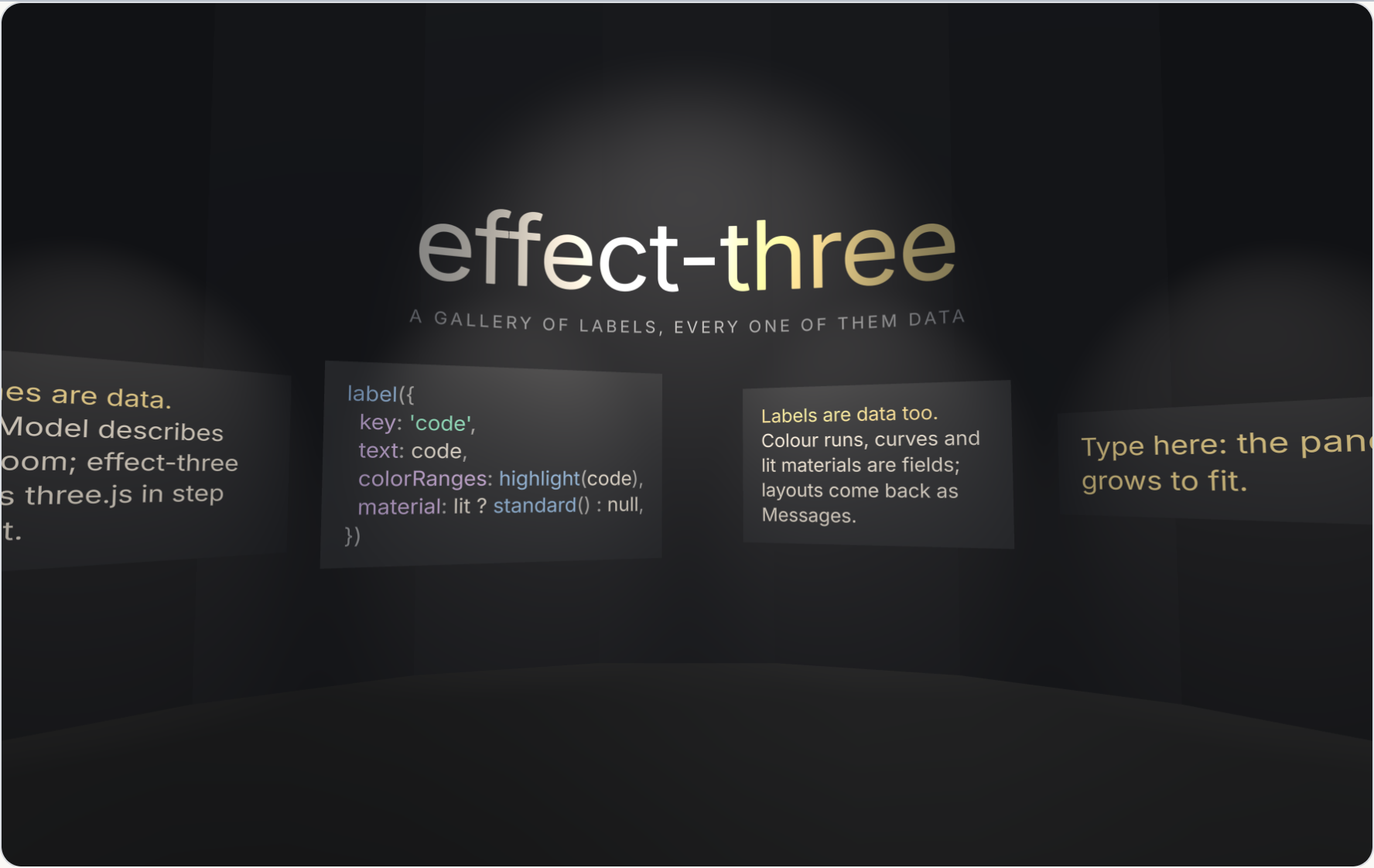
09 / Physics and labels
Ten frames, all data
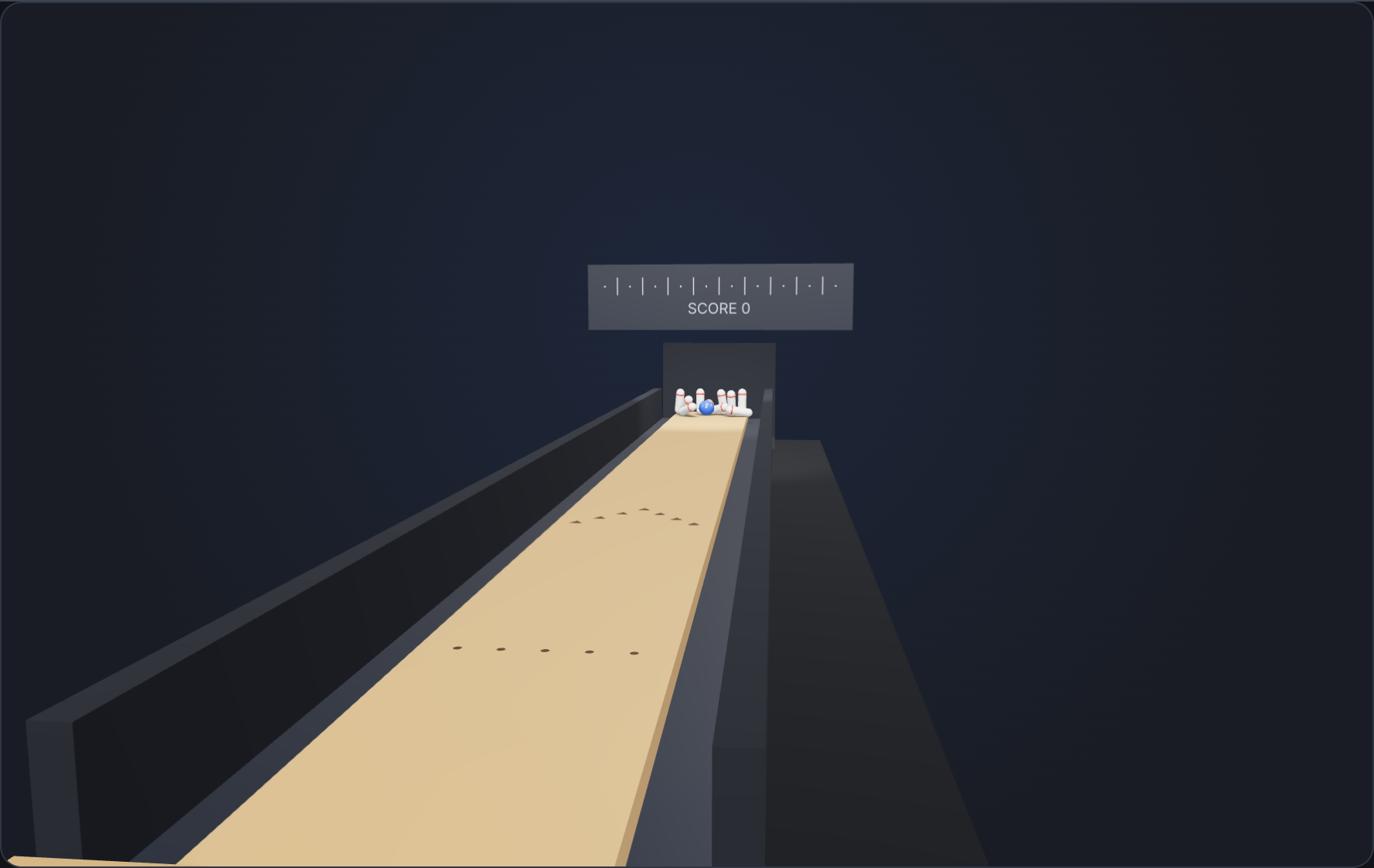
Aim, set the line and roll. Named sensors at each pin’s head say which pins went down, a pit sensor says the ball went through, and a troika scoreboard keeps ten-pin score.
Try the live example →@opsydyn/effect-three-samples/bowlingExplore the source 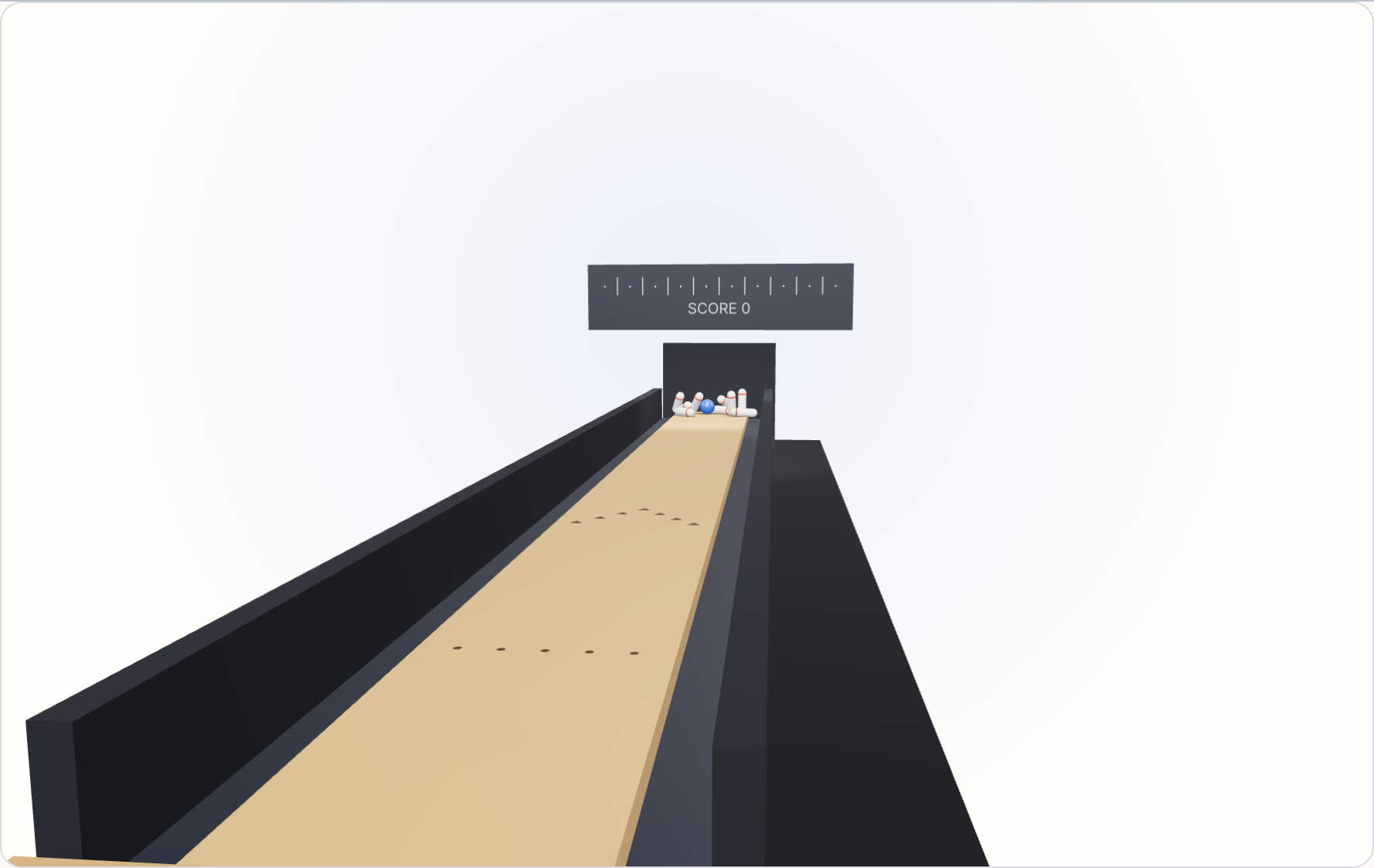
10 / Editing
Move, turn, scale, undo
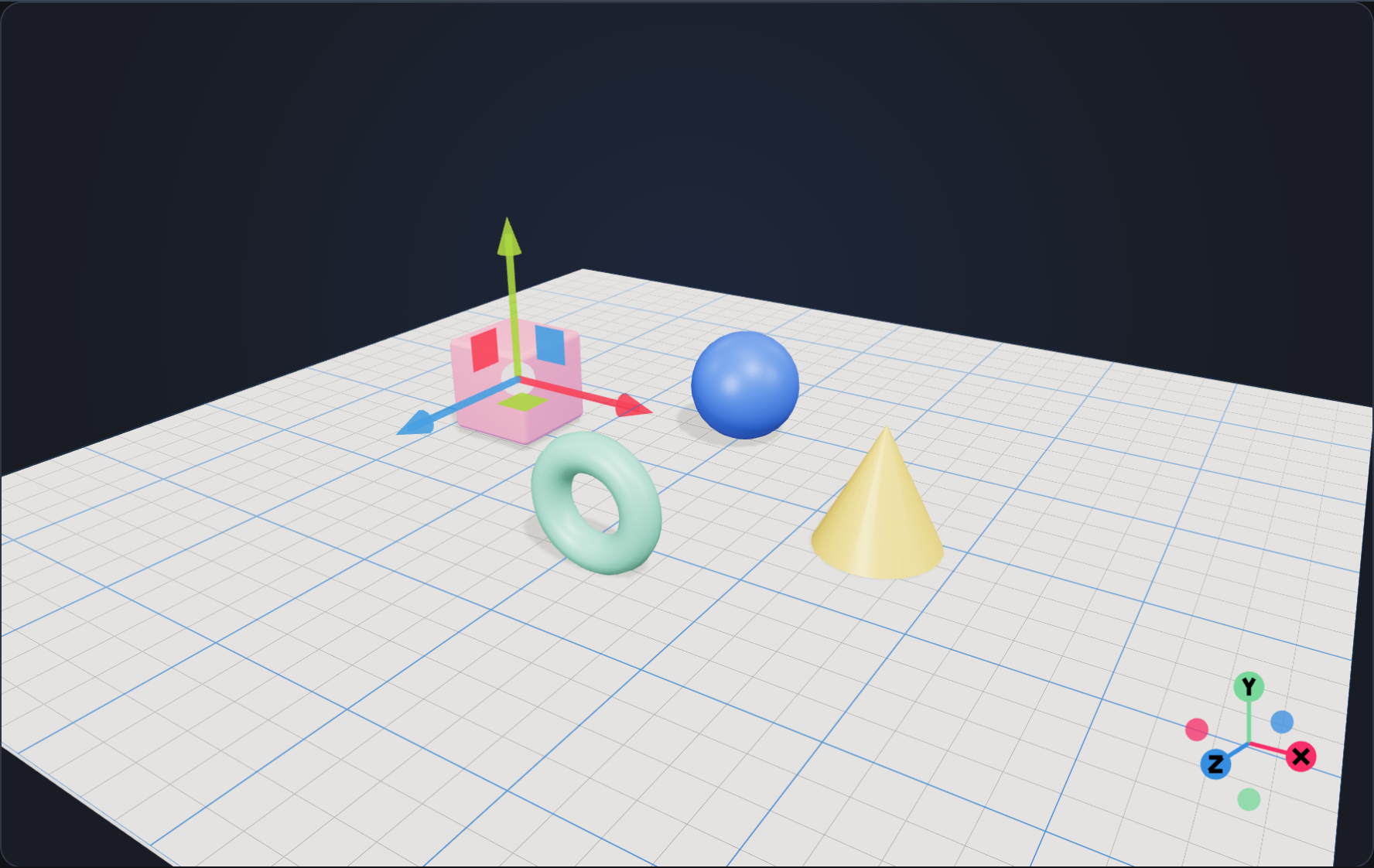
A transform gizmo on whatever you select: arrows, planes and rings after three’s TransformControls, as a Foldkit submodel. Shift-drag to box several, press an axis in the corner to look along it, try Drei-style pivot controls, measure, inspect, snap, work in local axes, and undo every move, because each one is a Message.
Try the live example →@opsydyn/effect-three-samples/arrangeExplore the source 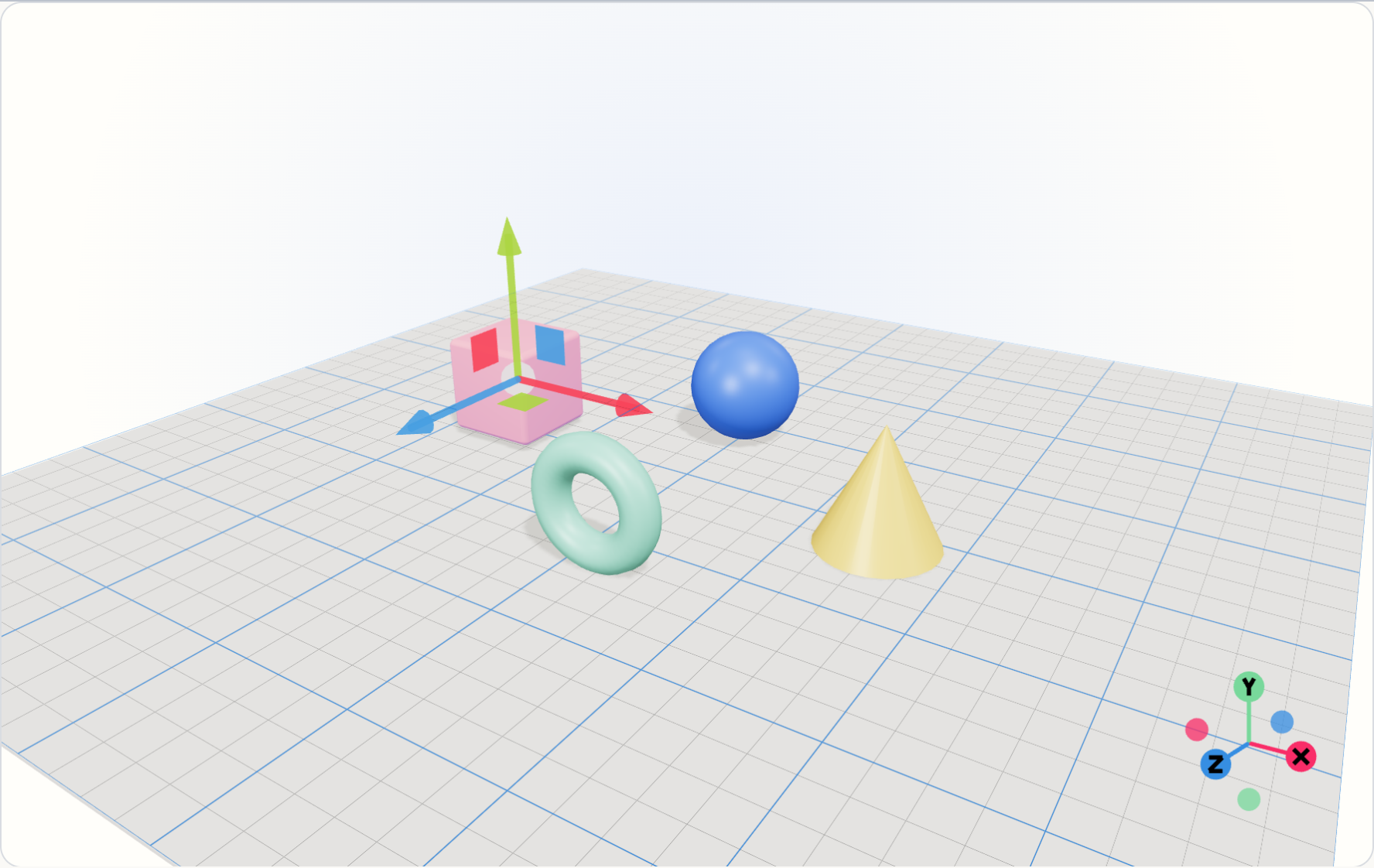
11 / Editing
A scene editor
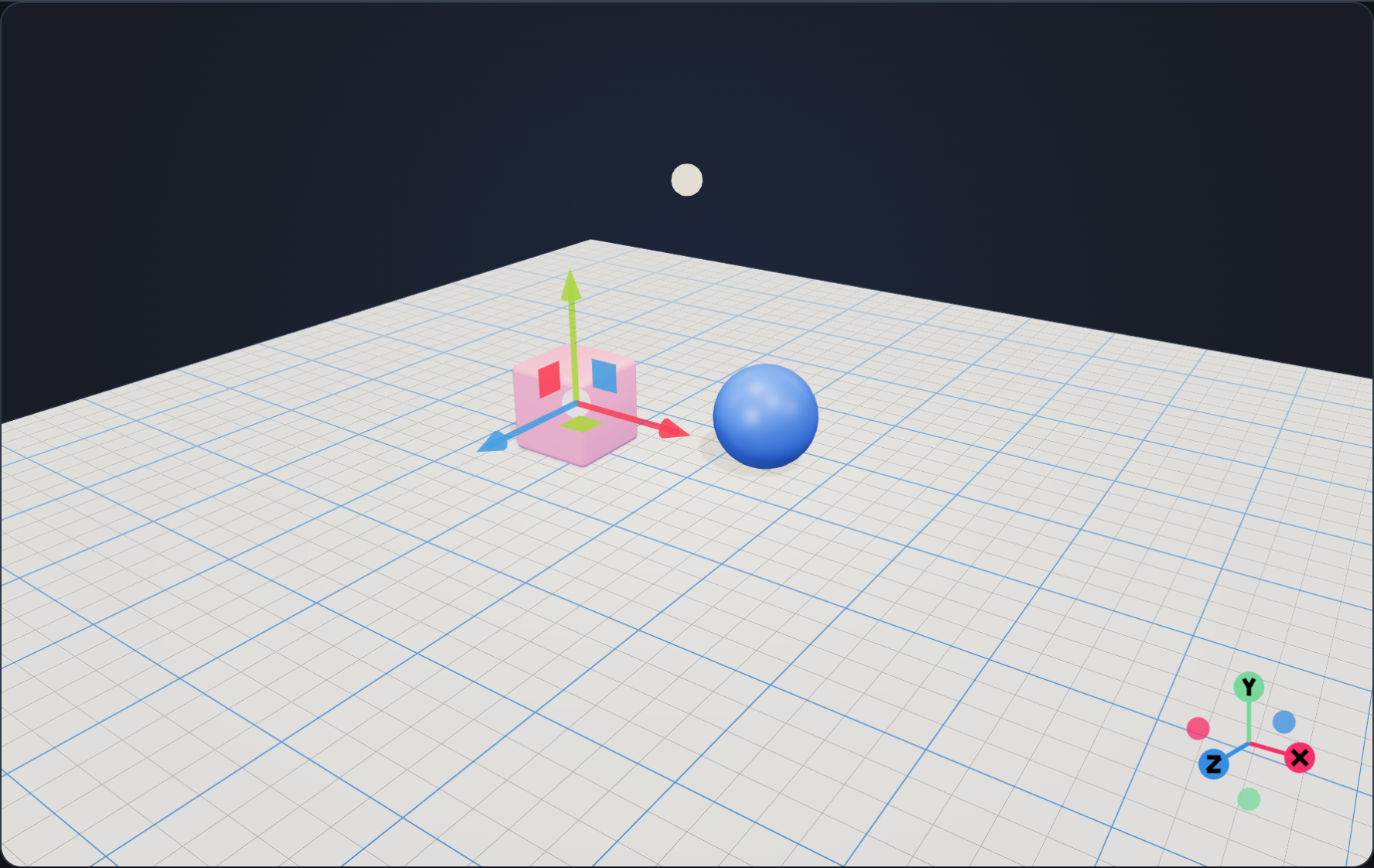
Every editing piece together: add, duplicate and delete, select by click or box, move with the gizmo, inspect any node through the scene schema, undo along branches or jump to any step, save and open scene files, see what changed since you saved, and edit together in two tabs.
Try the live example →@opsydyn/effect-three-samples/editorExplore the source 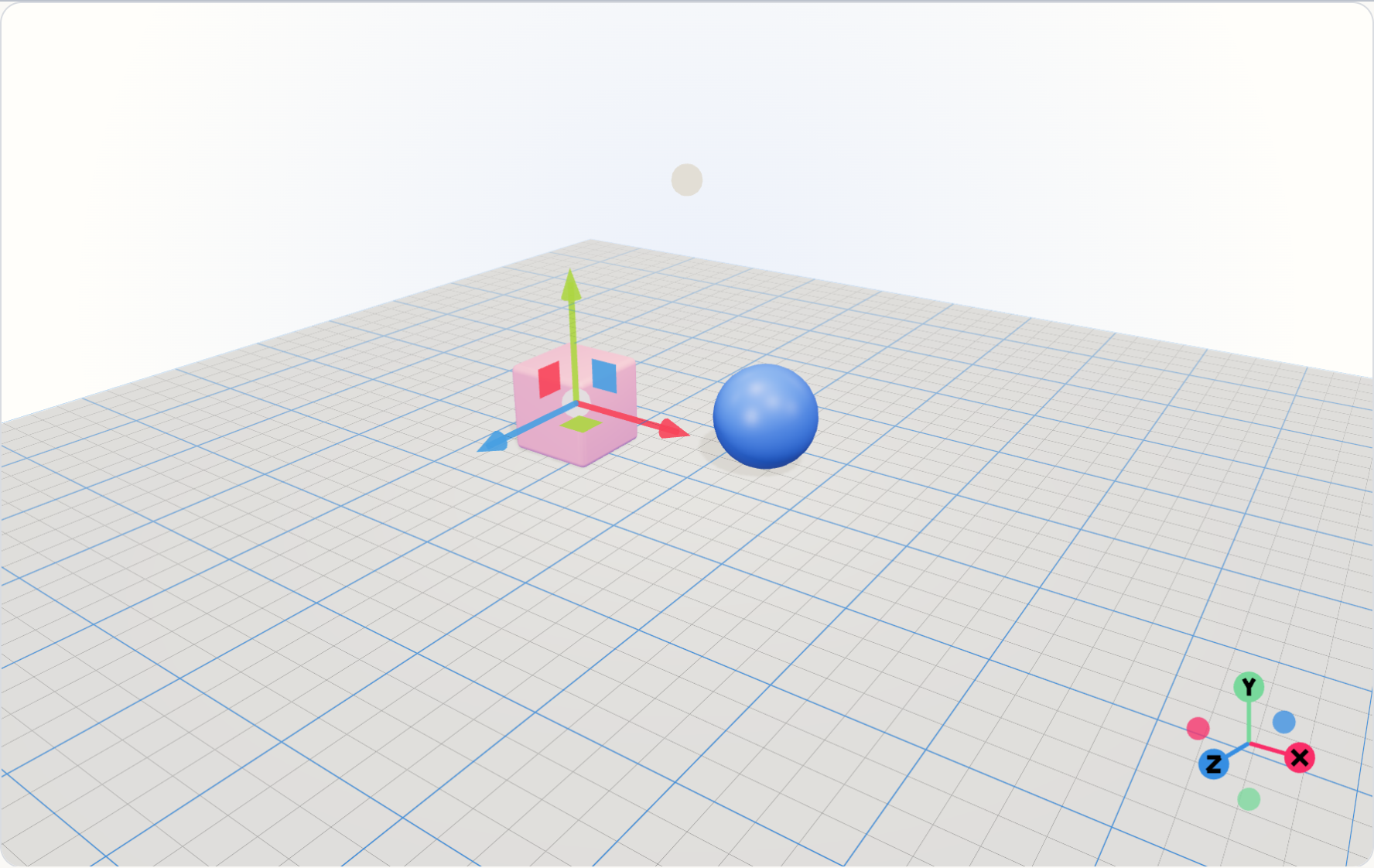
12 / Playing together
One world, every peer
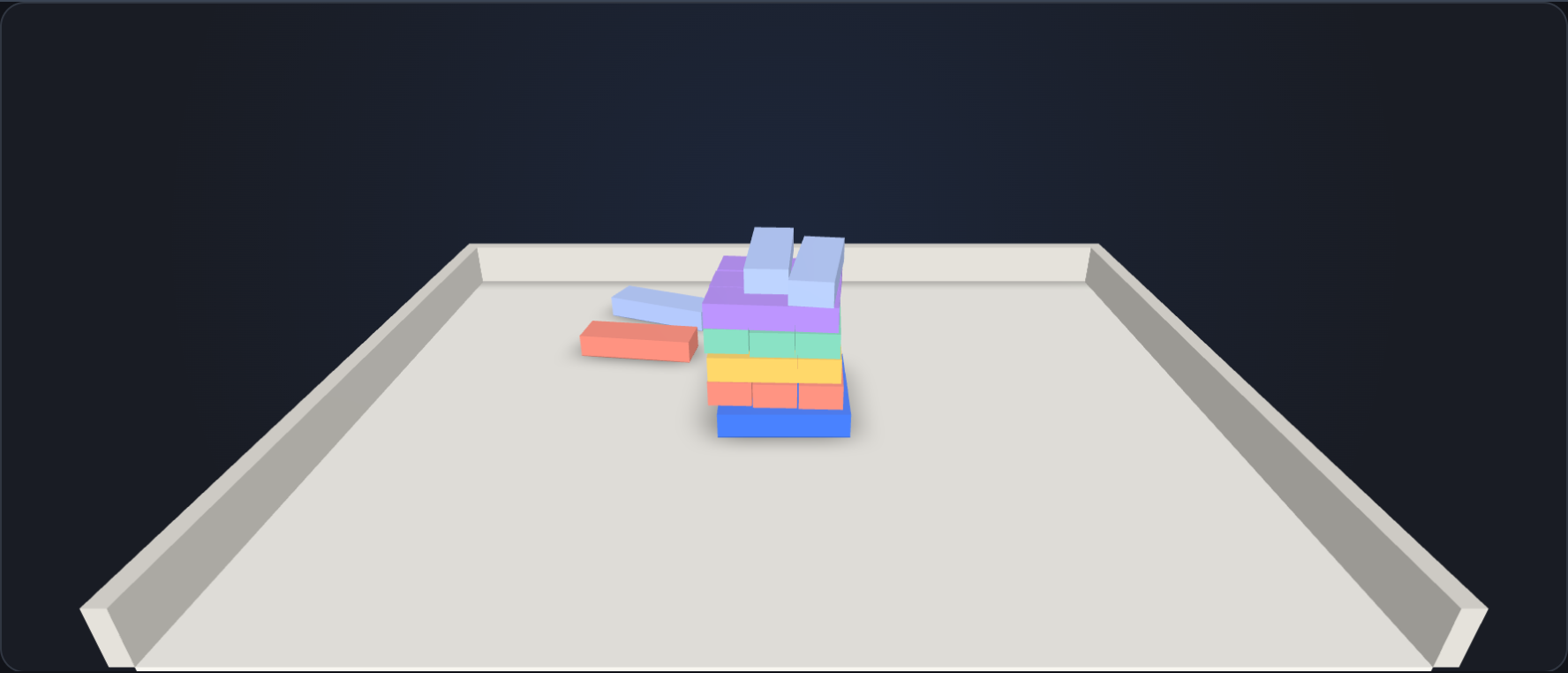
Throw balls at a tower of blocks from two windows, or two machines through a relay: every throw lands at the same physics step everywhere, newcomers replay the whole game, and the windows check each other’s worlds every second.
Try the live example →@opsydyn/effect-three-samples/tabletopExplore the source 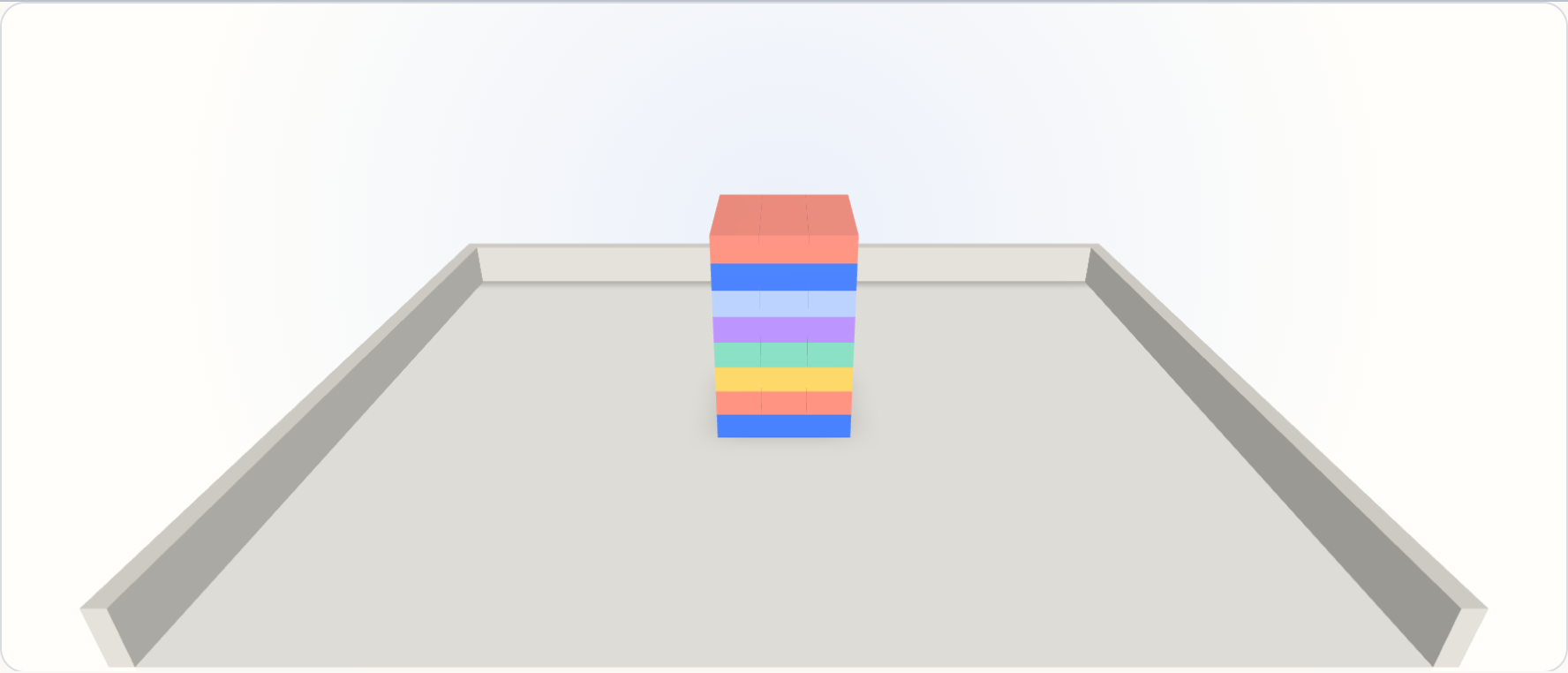
13 / Lines and points
Draw with data
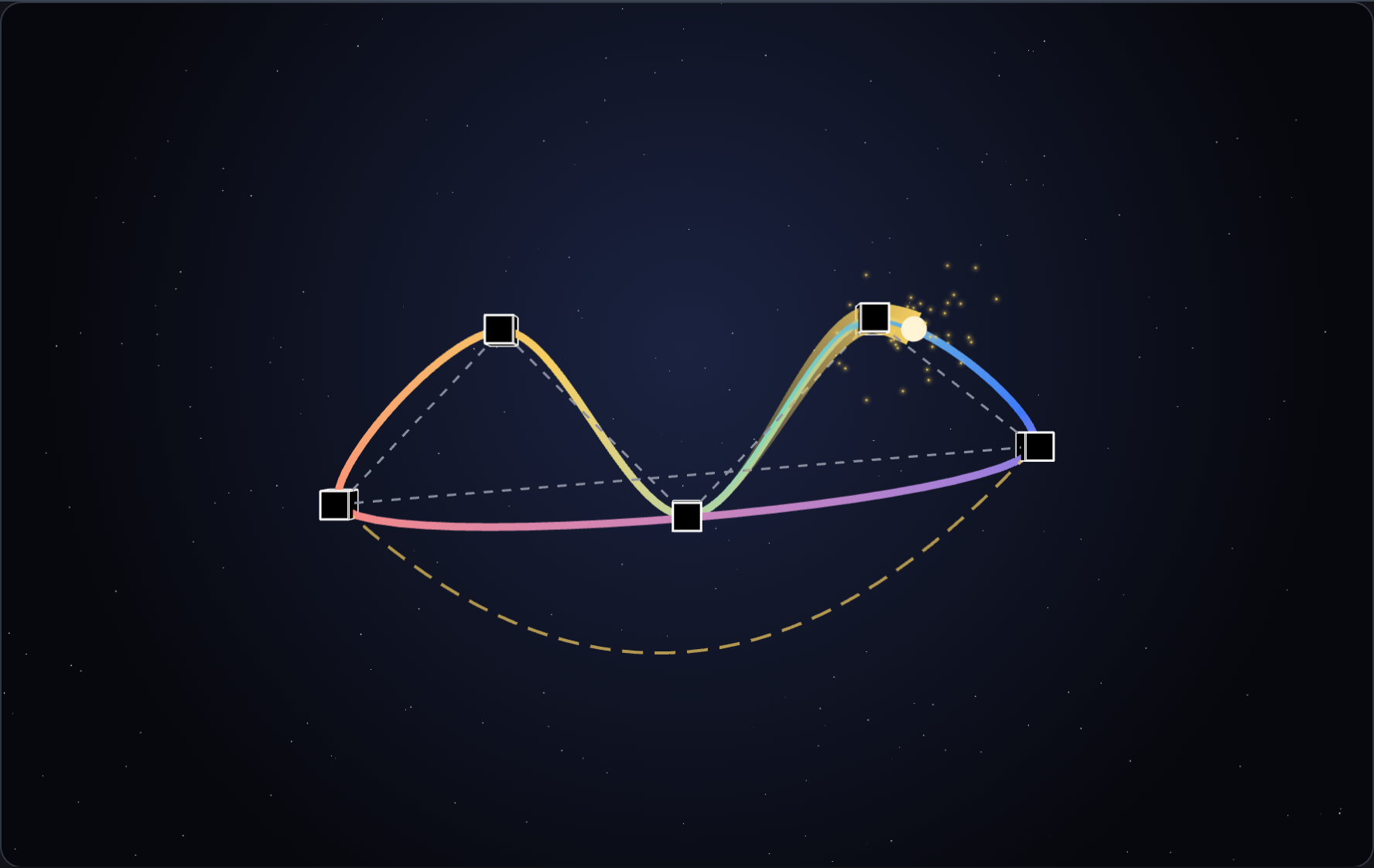
Drag the handles of a closed curve with a colour gradient while a comet rides it, trailing a fading ribbon and sparkles under a field of stars. Lines, curves, edges, trails, sparkles and stars, all as data.
Try the live example →@opsydyn/effect-three-samples/curvesExplore the source 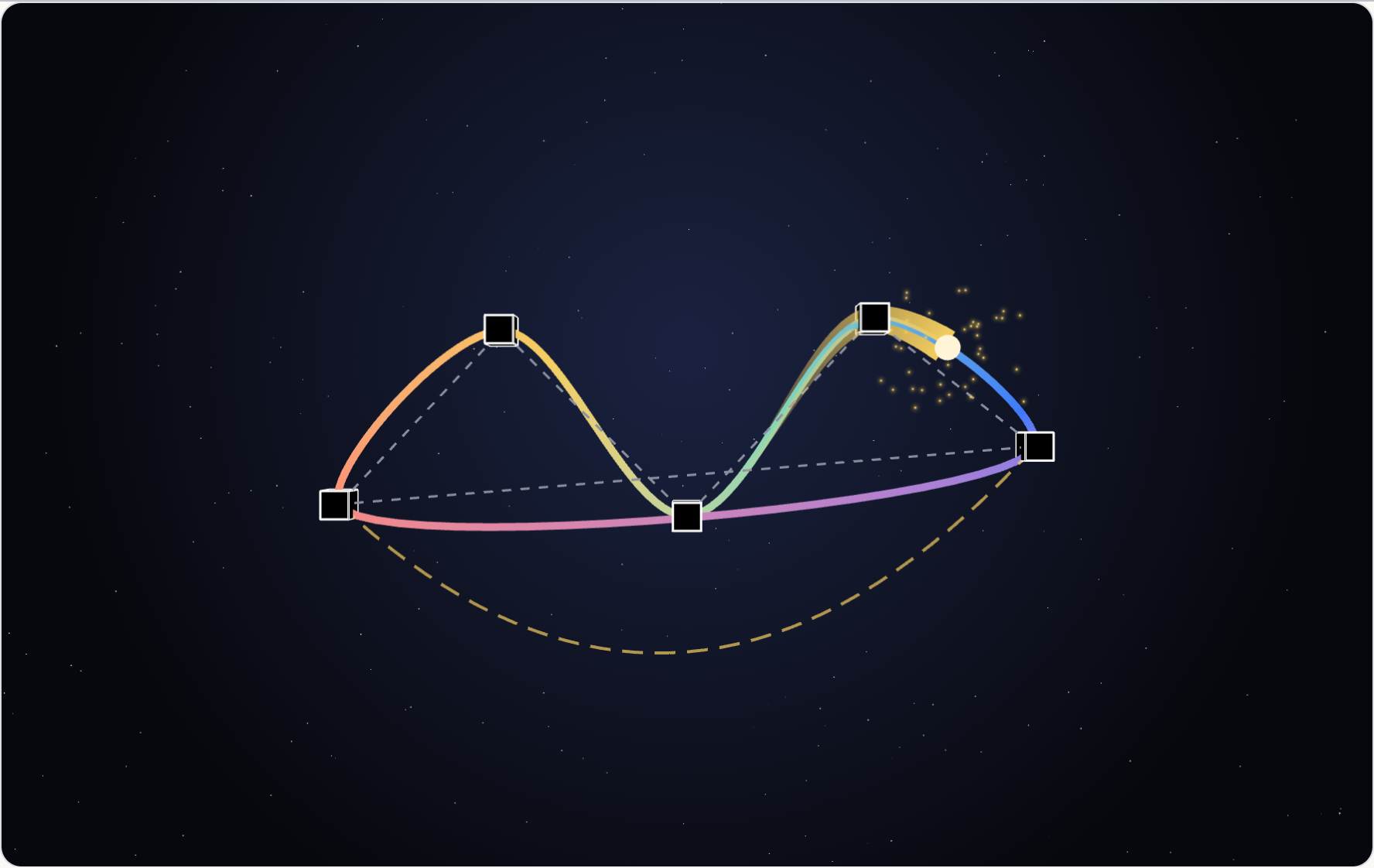
14 / WebXR
Step into the room
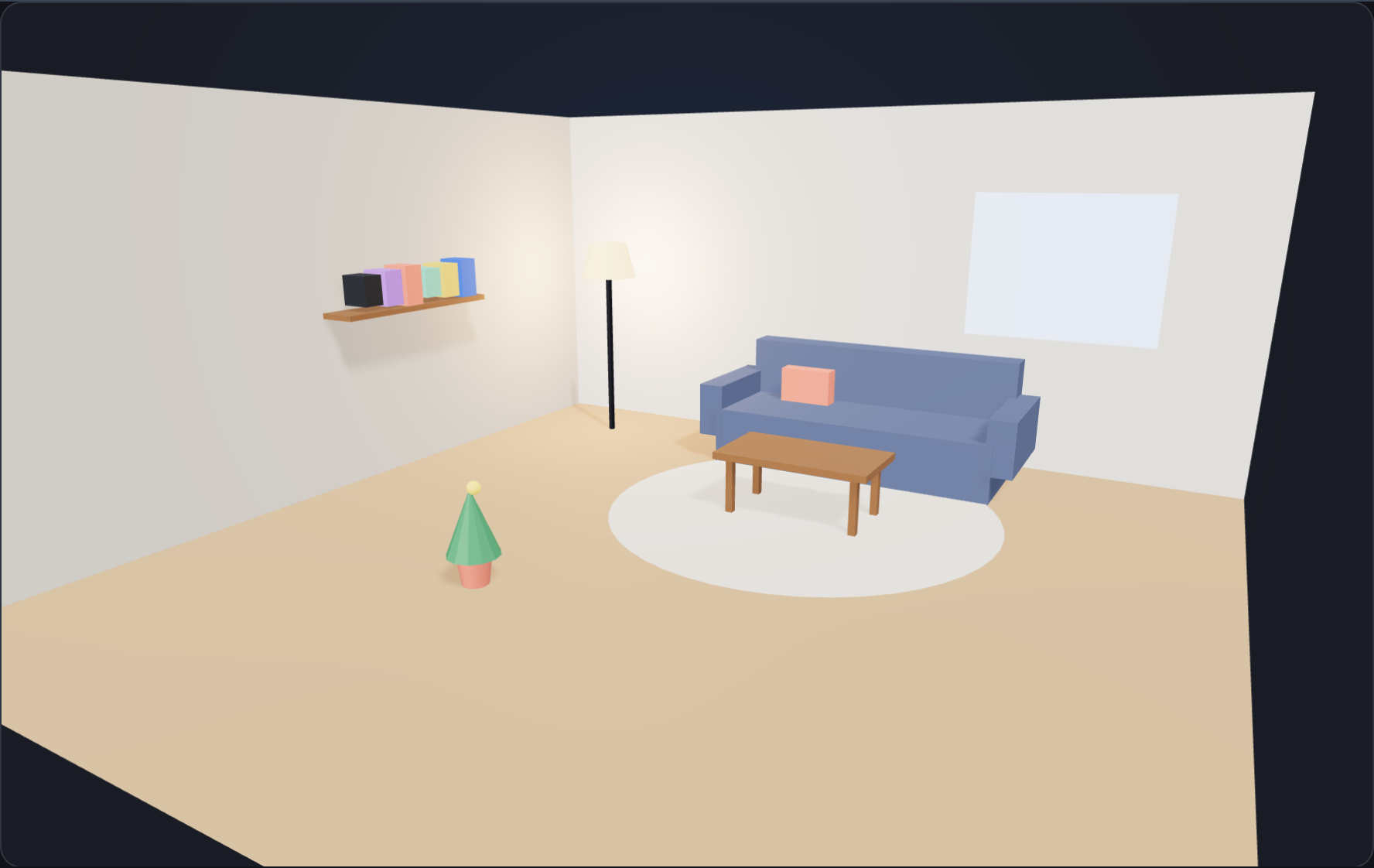
Furnish a room with ferns, cacti and tulips on the page or let an agent do it through Foldkit DevTools, glide through it in VR, or plant in your own room in AR, where each plant is an anchor and detected planes and meshes are drawn from Messages.
Try the live example →@opsydyn/effect-three-samples/roomExplore the source 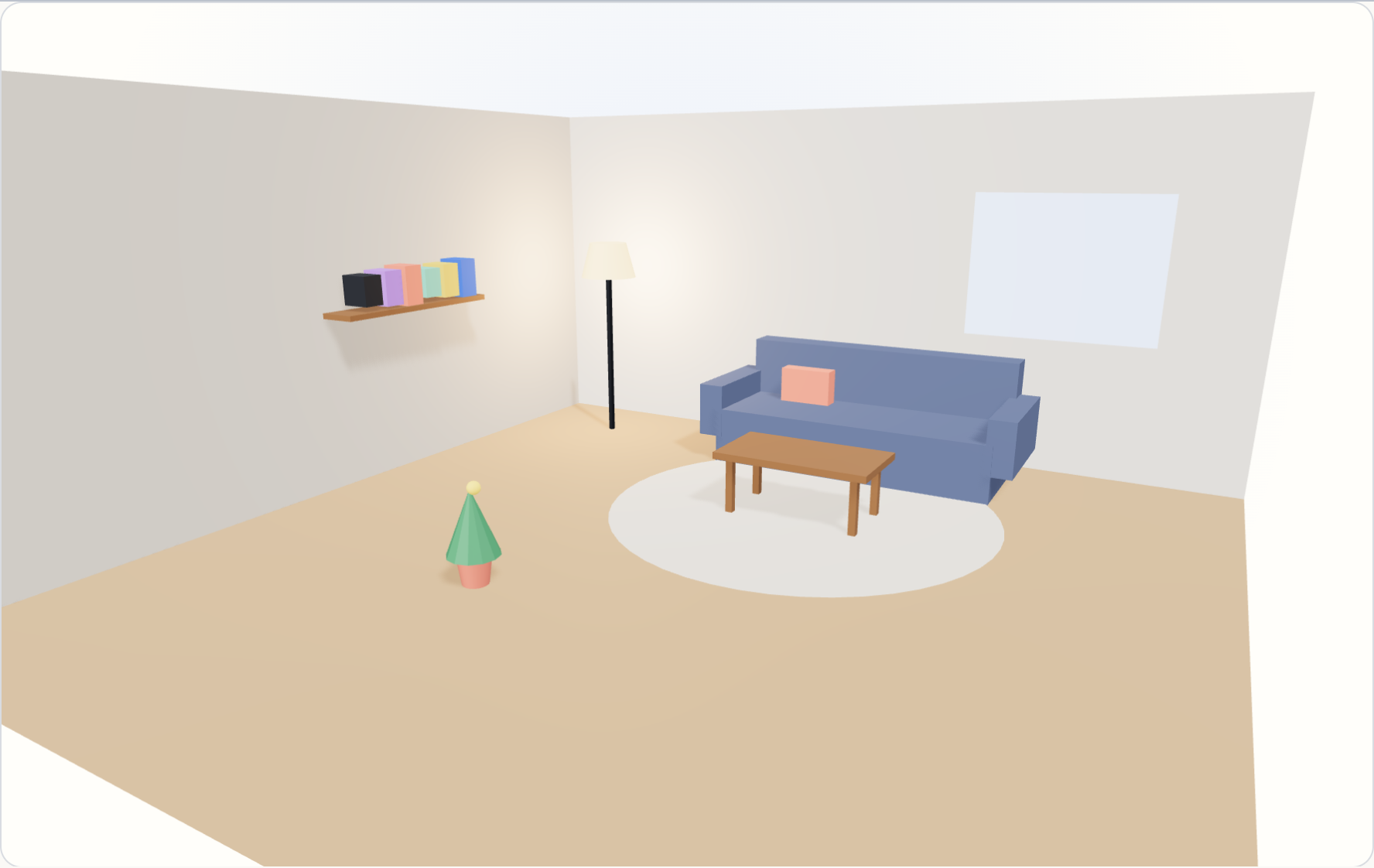
15 / Assets
Load it, play it, let it go
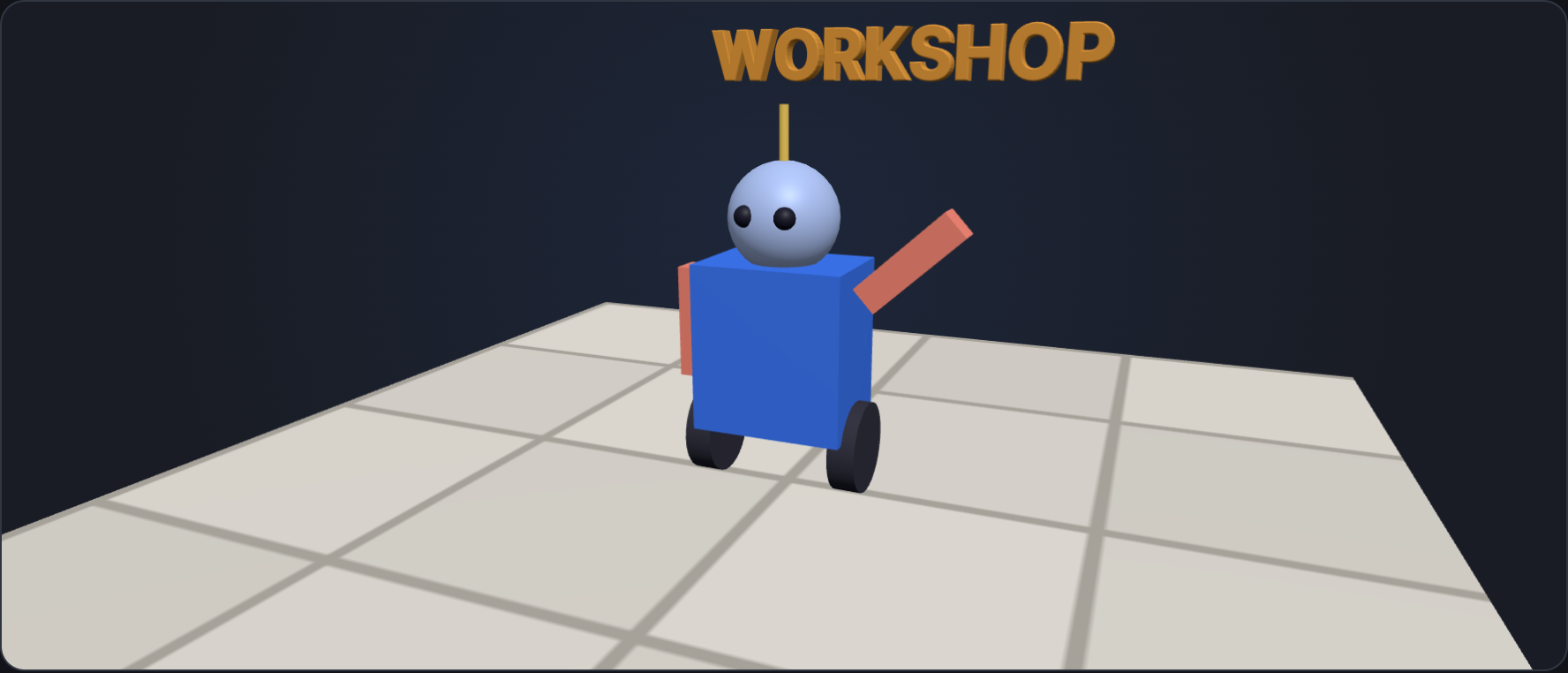
A glTF robot, a tiled floor texture and two fonts load through Foldkit Commands. Play its clips at any speed under a crisp troika caption, click its parts, and unload it all from the GPU.
Try the live example →@opsydyn/effect-three-samples/workshopExplore the source 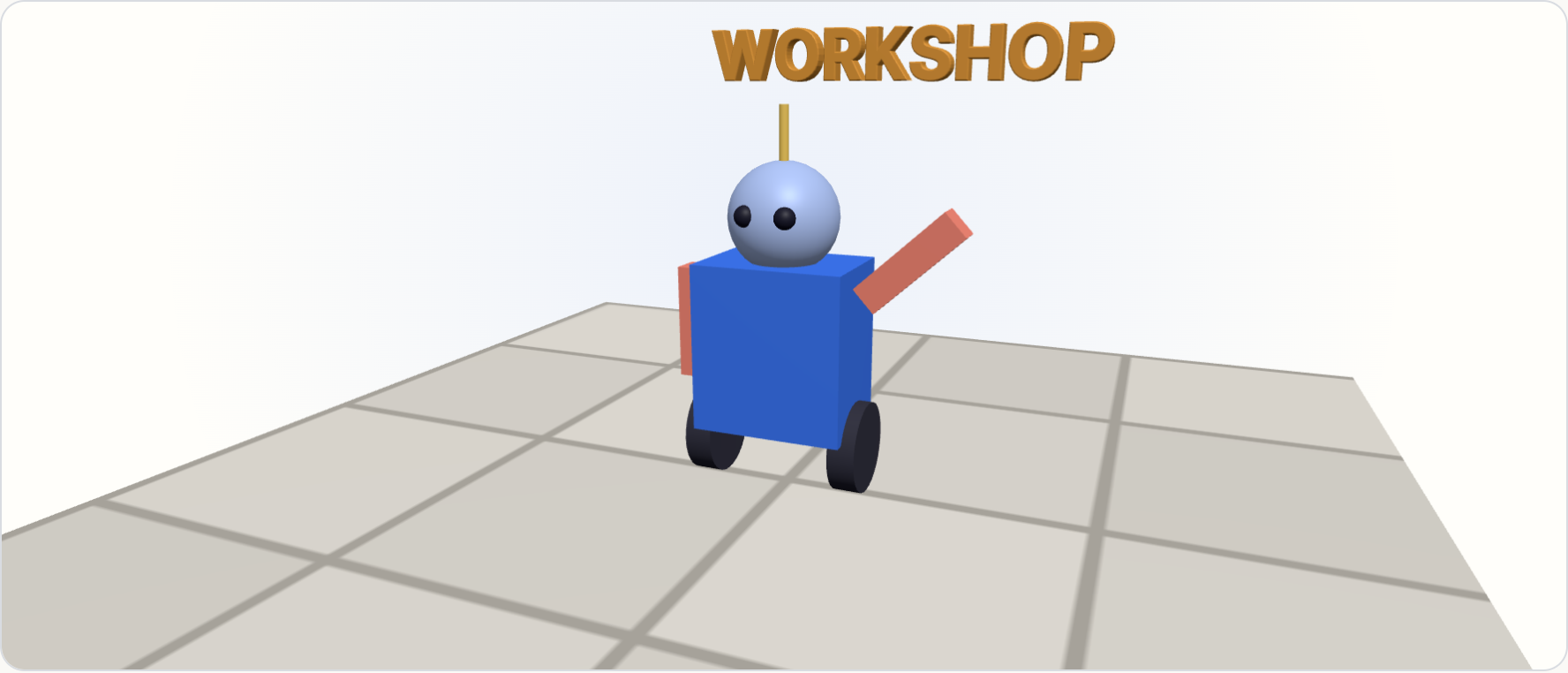
16 / Resources
Share what the GPU holds
Two cubes, one geometry, one material. Repaint or resize them together, remove one, or unmount the scene and release its WebGL context.
Try the live example →@opsydyn/effect-three-samples/sharedExplore the source